
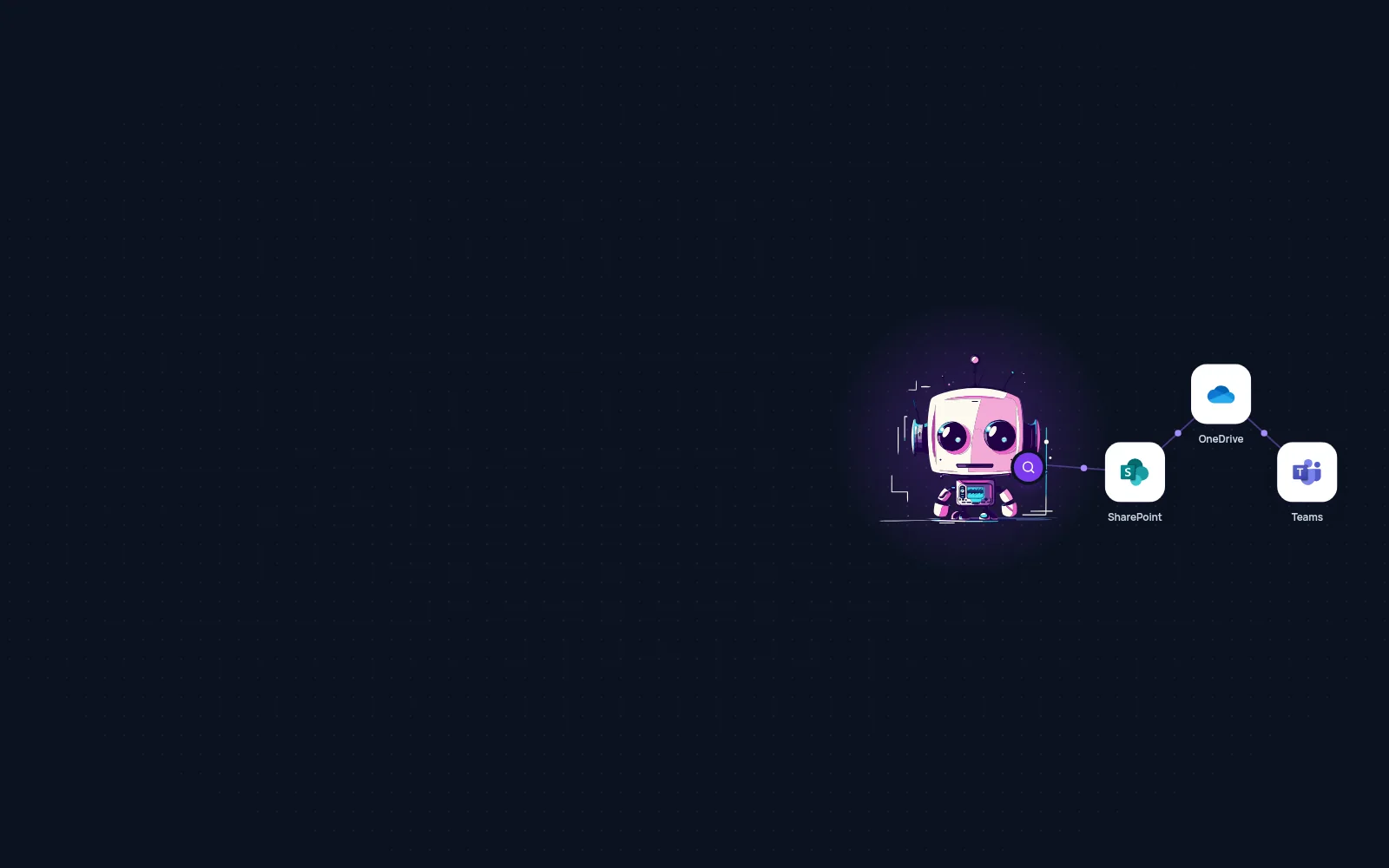
Search across SharePoint, OneDrive, and Teams
Chetty finds documents, messages, and related information in connected company sources. Users ask a question in plain language and get a short answer with a link to the original source.
Where company information actually lives
At companies that use Microsoft 365, information keeps growing. A proposal has a version in the team's SharePoint, meeting notes are on a salesperson's OneDrive, and a warranty decision was made in a Teams thread. It's all there, but it's in three places, each with its own way to search.
Built-in search works well if you know the right keyword and where to look. But people usually only know the question. “What did we promise the client?” is not a file name. So they ask coworkers, share links, and open five documents to find one sentence.
“We have the information. No one can find it when they need it.”
Chetty takes a different approach. It searches by what the question means, not by a document’s name. It checks connected sources, brings together related information, and gives a short answer with a link to the original source. Users don’t need to know which team, site, or folder has the information.
What a question looks like in practice
Consider a common situation. A salesperson is preparing for a meeting and needs to know which version of a proposal is current and what has been discussed since. Instead of opening three apps, they send Chetty one message in Teams.
Where is the latest approved proposal for Novák s.r.o., and what did we promise them at the last meeting?
The approved version is Novák Proposal v3 in the sales SharePoint. Petr approved it on September 2.
At the August 28 meeting, you promised a 36-month warranty and free training. Version 3 includes the warranty, but the pricing attachment doesn't include the training. I recommend adding it before sending.
Three things matter. The answer is short. It shows where the information came from. And it points out anything that doesn't match instead of hiding it. That's the difference between a list of results and an answer you can use right away.
Ask it like you would a coworker
What happens behind the scenes
Several steps go into each answer. Users do not see them, but nothing happens at random.
- A user asks a question. They type the question just as they would ask a coworker.
- Chetty selects sources. It searches the connected SharePoint, OneDrive, or Teams for the topic.
- Connects the details. It compares the information it finds and separates the answer from the extra context.
- Returns the result. It prepares a short summary and shows where the information came from.
The agent accesses sources through an account the organization assigns. It has the same permissions as that account. It searches live sources when a question comes in, so it uses current information without requiring copies in another system.
Three situations from a typical week
The same approach works across different parts of your company. Only the question and the desired result change.
Before the meeting
„What did we promise the client at the last meeting, and is it in the current proposal?“
Handing off work
„Where is the current schedule, and who last changed the budget?“
First week
„How do we approve proposals?“
What changes for the team
The benefit is not that people stop using SharePoint. The folder structure still matters for managing documents. What changes is the time between a question and an answer. Fewer questions end up with the most experienced colleague.
| Role | Typical question | What you no longer need to do |
|---|---|---|
| Sales | What applies to this customer? | Finding past proposals and meeting notes |
| Project teams | Where is the current version, and what changed? | Handing off work through long emails |
| Support | How did we handle a similar case last time? | Repeated questions for experienced coworkers |
| Management | What did we decide, and why? | Waiting for materials before a meeting |
| New teammates | Where can I find the steps for this task? | A series of introductory meetings to cover the basics |
| Back office | Which template is the current one? | Working from an outdated document |
Where you’ll see the impact first:
- Prepare for meetings faster
- Fewer duplicate questions within the team
- Easier to hand off work in progress
- Find the right version of a document quickly
Your company keeps access and control
Your organization decides which sources the agent uses and which account it uses to access them. Sensitive content does not need to be copied to another public storage service.
Chetty runs in the customer’s Azure environment, on-premises, or in the Chetty cloud. You can start with just one connected source, such as a SharePoint site, and add more as your team builds trust in the agent.
What to clarify before launch
- Which sites, libraries, and teams the agent should have access to, and which it should not.
- Which account it uses to access them and who manages that account.
- Where people will ask questions: in Teams, in Chetty chat, or both.
Common questions
Want to see it work with your own documents?
All we need is one SharePoint site and a few questions people already ask each other at work. We’ll build a first version and show you how it answers.
Further reading
All use cases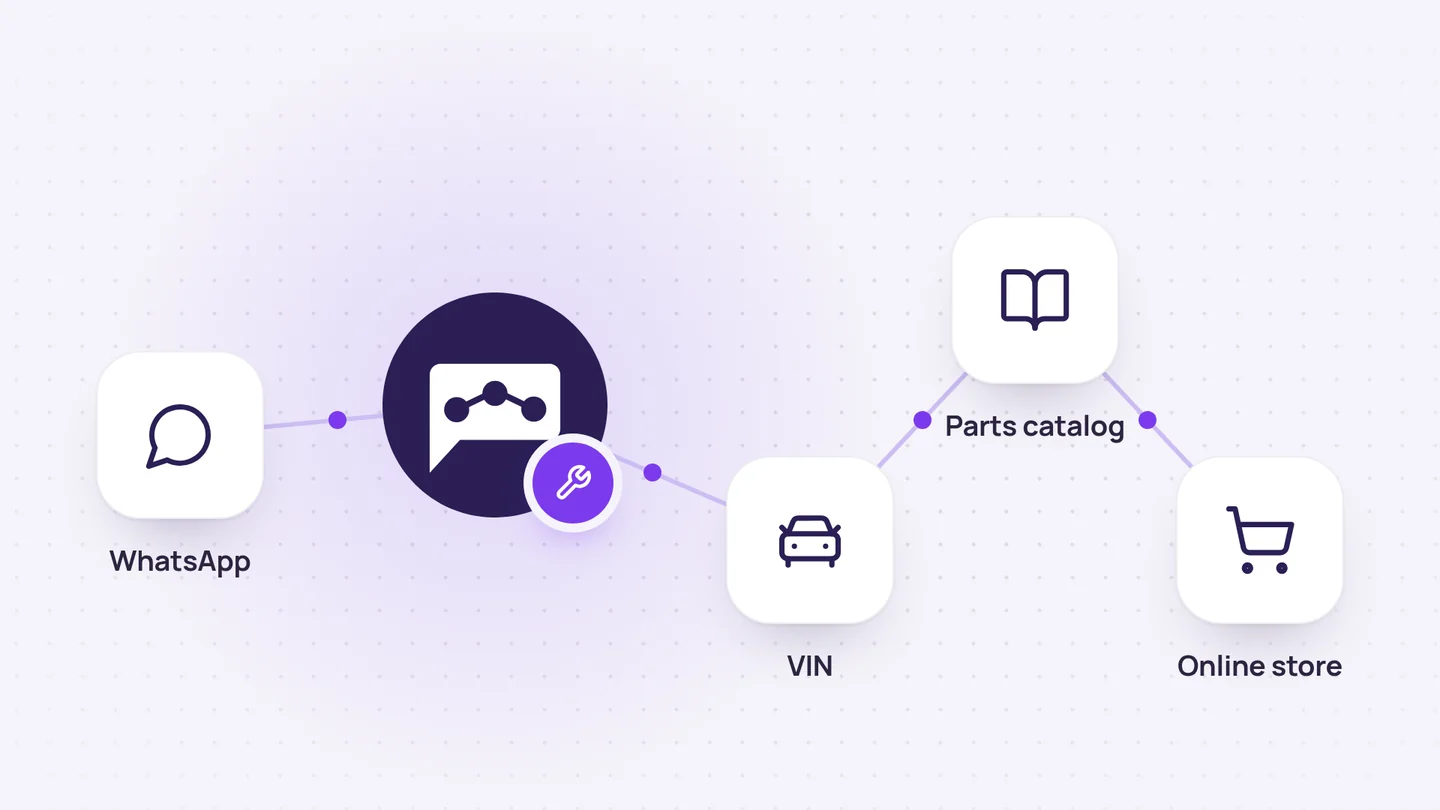
Online store and orders
Auto parts sales on WhatsApp, from VIN to order
It identifies the vehicle from its VIN, finds the original part, checks the price and stock, and adds the order directly to the customer's account.
7 min read
Chetty Sites
Company vibe coding
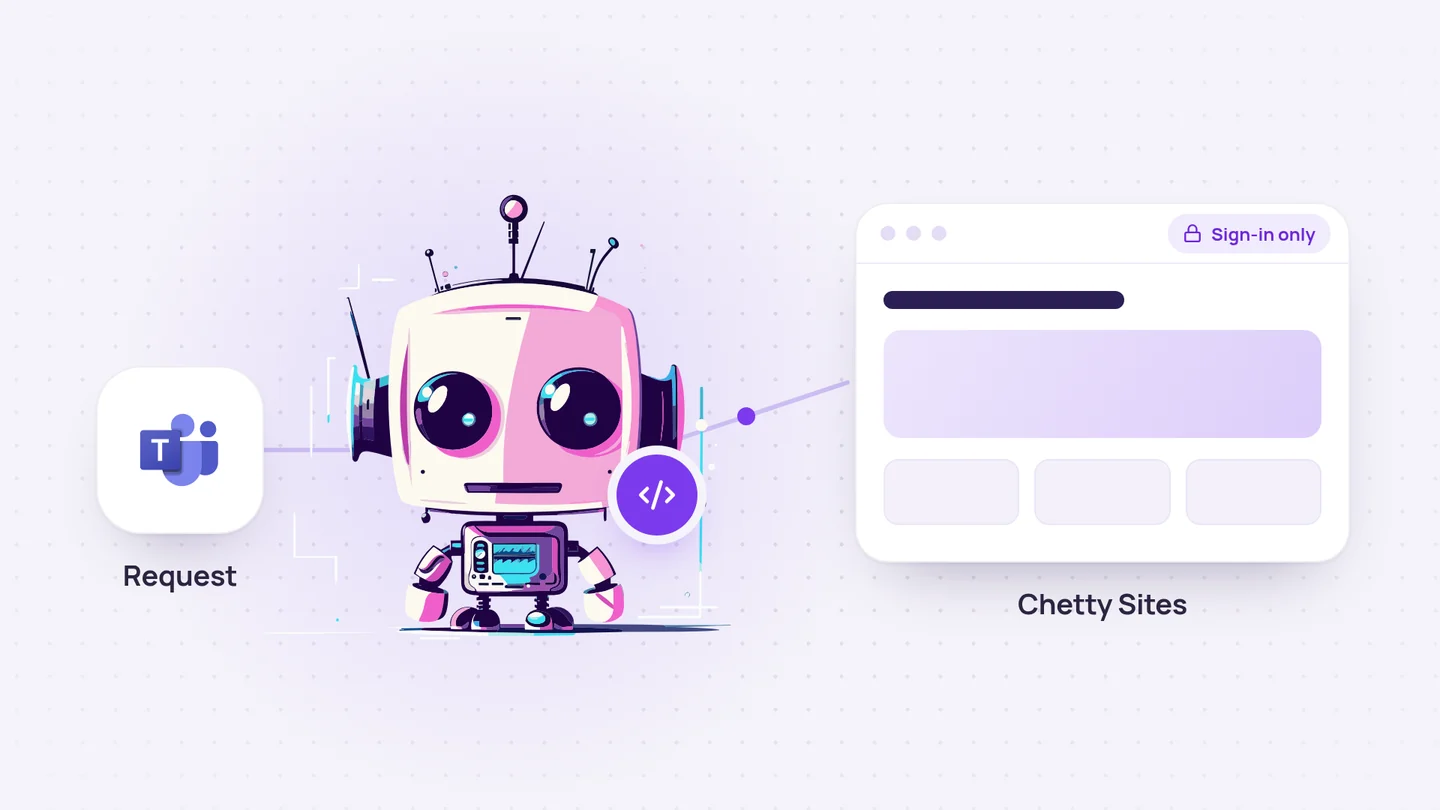
It turns a simple request into an internal website, calculator, or dashboard and makes it available behind a login.
4 min read
Company knowledge
Company knowledge base
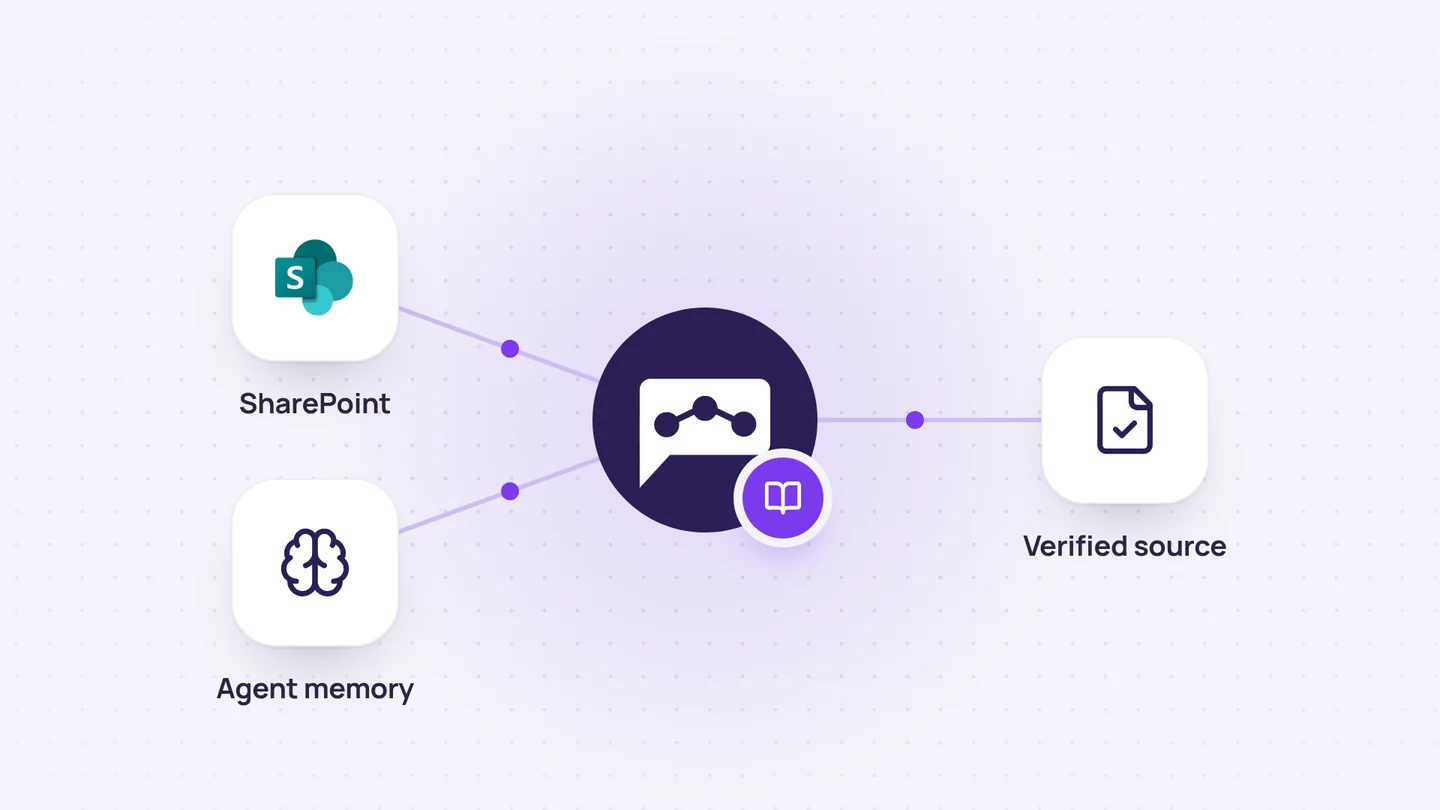
It combines up-to-date documentation with the agent’s memory to explain both the rules and the reasons behind decisions.
4 min read