

Company vibe coding
Chetty Sites lets people who know the process create simple internal websites without coding. They describe what they need in everyday language. The AI agent builds the page and publishes it at a company web address.
A small website no one has time for
A project overview for leadership, a guide for new team members, a calculator for sales. These tools are too small to justify a development project but too important to leave in a spreadsheet sent by email. They usually end up in a file that's hard to find and even harder to share.
Chetty Sites changes that. The person who knows the process describes what the page needs to do. The AI agent builds it, publishes it at a company web address, and limits access to signed-in users. No one needs to code.
From one sentence to a web page
The request looks like a message to a colleague:
“Create a page for new salespeople. Put a first-week checklist at the top, then team contacts and links to the price list and proposal template. Make it visible only to people in our company.”
From that sentence, Chetty understands who the page is for, what it should contain, and who can open it. Then it follows these steps:
- You describe what you need. You tell us who will use the page, what it should show, and what users can do on it.
- The agent prepares a draft. Creates the structure, text, forms, or simple logic based on the request.
- You fine-tune it together. Use a conversation to change the layout, fields, calculations, and how it works on mobile.
- Chetty publishes it. The page gets its own address and access settings for signed-in users.
Describe the people, not the technology
What you can build
Tools with a clear purpose for one team or one process work best.
Project overview
Status, deadlines, and risks on one page for leadership.
Onboarding
A checklist, contacts, and documents for a new colleague’s first week.
Calculator
Price, capacity, or return on investment calculated using your rules.
Form and records
Collect requests or keep simple records for one team.
It's not for large apps with many users and complex data. Those call for traditional development. Chetty Sites is for everything else that would wait months in a queue or never get built at all.
Who can see the page
You can limit access to signed-in users or share the page with selected coworkers. Each new release creates a separate version, so you can return to an earlier one.
Updates work the same way as the first version. Tell the agent what to change, and it publishes a new version of the page.
Common questions
Have an idea for a website?
Tell us in one sentence what you want the website to do. In a consultation, we'll show you how Chetty can build a first version from it.
Further reading
All use cases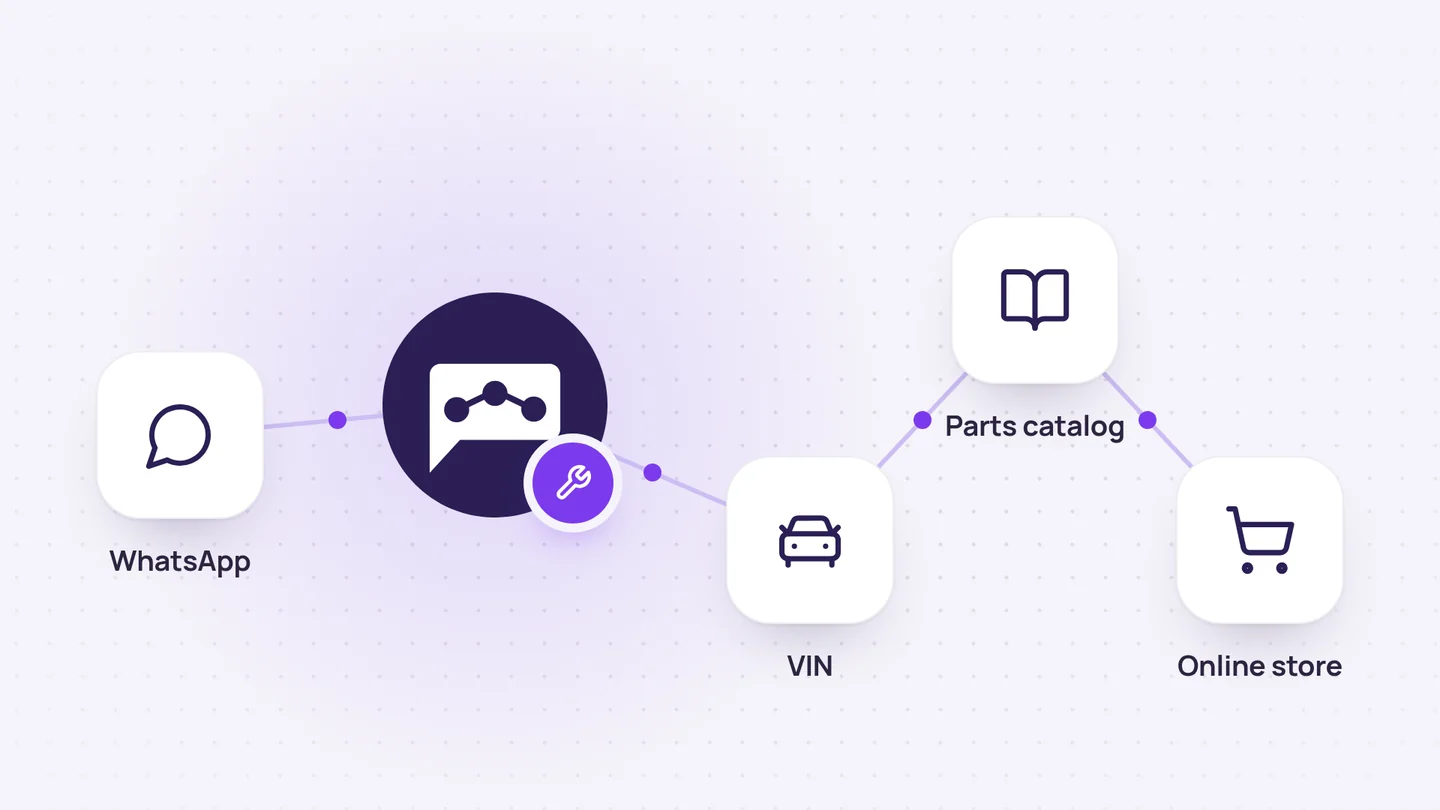
Online store and orders
Auto parts sales on WhatsApp, from VIN to order
It identifies the vehicle from its VIN, finds the original part, checks the price and stock, and adds the order directly to the customer's account.
7 min read
Company knowledge
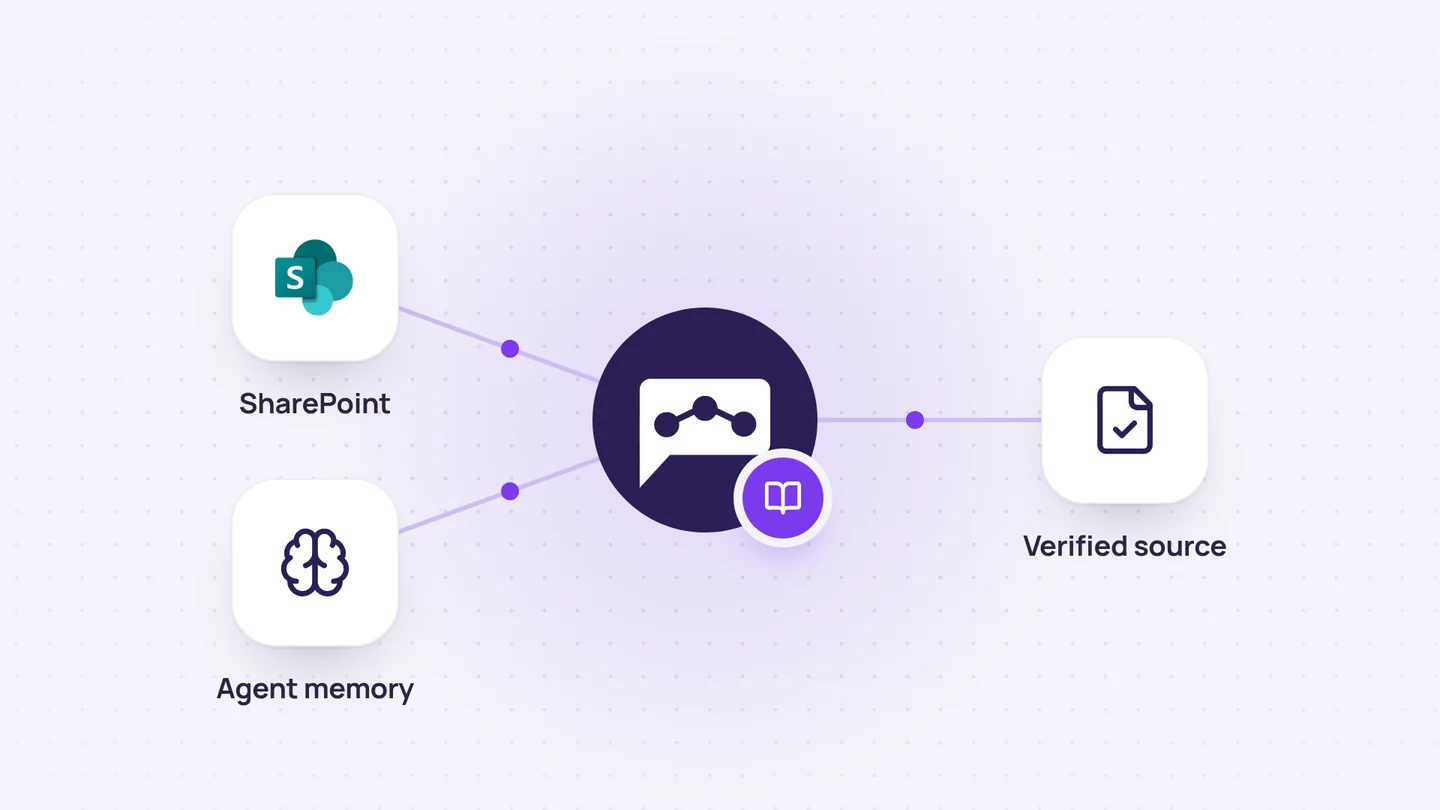
Company knowledge base
It combines up-to-date documentation with the agent’s memory to explain both the rules and the reasons behind decisions.
4 min read
Sales and CRM
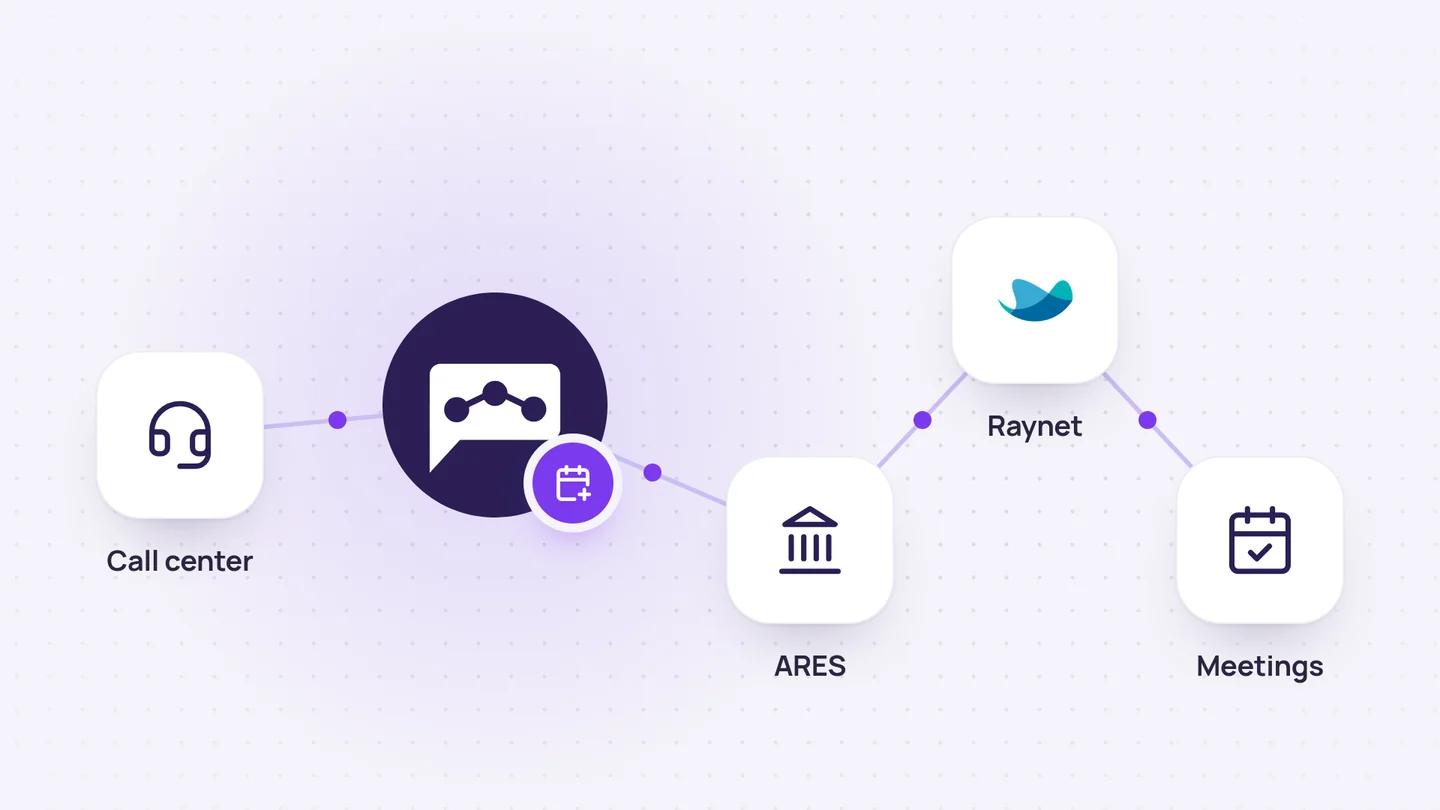
Add call center appointments to the CRM
For each call center order, it creates a client record, sales opportunity, recording, and meeting. If anything is unclear, it asks.
7 min read