

Add call center appointments to the CRM
Chetty takes orders from the call center, verifies the company in the business registry, creates the client record, sales opportunity, and meeting in the CRM, attaches the call recording, and marks the order as complete. If something does not match, it asks a person instead of guessing.
The same pile every morning
This use case isn't from a brochure. We use it ourselves. An external call center schedules demos for our sales team. Each scheduled meeting arrives as an order with the company name, contact, phone number, assigned salesperson, and notes taken during the call. We get ten to thirty a day.
Before a request becomes a meeting on a salesperson's calendar, it needs a client record and sales opportunity in the CRM, an attached call recording, an event at the right time, and an entry in the list used to prepare demos. An experienced person can do this in five minutes per meeting. For 30 requests, that is two and a half hours of focused work, with no room for errors in the company ID, date, or salesperson's name.
“It's not hard work. It's work no one wants to do carefully thirty times in a row.”
That's where an agent can help. It can't do anything a person can't. It simply handles the first order and the thirtieth with the same care. For each one, it checks that what it entered is actually in the system.
What goes into a single order
At first, it looks like just a few fields. But every order involves six separate records across four systems, even when everything goes smoothly.
company: Novák Outdoor s.r.o.
Company ID: —
contact: Tomáš Novák, 777 123 456
sales rep: JK
He said he hadn’t considered AI on the website yet, so I told him an AI assistant could help customers choose products… He wants a colleague to see it too…
Meeting September 23, 3 p.m. chatbot AI search
The note is written during the call. Typos, abbreviations, and missing company IDs are common.
- Client in CRM. Novák Outdoor s.r.o., company ID added from ARES along with registered address and VAT ID, owner: salesperson JK
- Sales opportunity. stage: Meeting; source: call center; phone number, email, and operator name
- Call recording. the correct call from that day linked to the case
- Meeting on the calendar. September 23, 2026, 3:00–4:00 p.m., client and case linked
- Entry in the meeting overview. Novák Outdoor s.r.o. · https://novak-outdoor.cz
- Call center status. order marked “Meeting created”
The operator’s note is the most valuable part, but also the least reliable. It includes the meeting time, the product the client is interested in, and context from the call. It may also include earlier attempts to schedule a meeting, old meeting times, and typos. The Chetty AI agent must pull out the key details and keep the rest as context for the salesperson.
What the agent does, step by step
The agent goes through the entire process separately for each order. It does not process orders in batches, so an error with one order never stops or repeats the others.
- Loads new orders. It pulls the day's orders from the call center and filters out any it has already processed.
- Cleans up the data. It pads the company ID to eight digits, converts the phone number to international format, and standardizes the email address.
- Finds or creates a customer record. It uses an existing client in the CRM only when the company ID matches exactly. Otherwise, it creates a new record and assigns it to the salesperson.
- Adds data from ARES. It adds the verified name, registered address, legal form, VAT ID, data mailbox, and registry file number.
- Creates a sales opportunity. In the Meeting stage, with call center as the source, contact details, and the name of the operator who scheduled the meeting.
- Attaches the call recording. It finds the right call from that day and uploads it to the case.
- Sets a date and time. It takes the date from the order and the time from the note. It ignores old dates in the history.
- Schedules a meeting. A one-hour meeting linked to the client and case, with the right sales rep assigned as owner.
- Checks what it entered. Retrieves the meeting and checks the client, case, owner, scheduled time, and attendees.
- Finds the client’s website. From the client record, a note, or public sources. Never from an email.
- Adds an entry to the appointment list. The app used to prepare demos receives the client, website, date, and salesperson.
- Completes the order. In the call center, sets the status to Meeting created and records what resulted from the order.
The steps depend on whether the company is new or an existing client in the CRM who has rescheduled. For an existing client, the agent never creates a new case. It adds the new record to the existing case and leaves the original description unchanged, so the sales rep can see the full history.
After each reading is recorded
Where people make mistakes and how the agent handles them
A call center operator handles dozens of calls a day and takes notes while speaking. Errors in requests are not a sign of poor work; they are part of the process. What matters is whether an error reaches the CRM or gets caught at the start.
| What happens | Why this happens | What the agent does |
|---|---|---|
| Company ID does not match the company name | The operator copied the company ID from a website listing two organizations at the same address. | It checks the company ID in ARES, compares the names, and asks which company record to create if they do not match. |
| Website inferred from an email address | The email address uses a domain that does not belong to the company. | It never guesses a website from an email address. It looks for the website in the client record, in a note, or in public sources. |
| An outdated date in a note | The history still shows a date from an earlier attempt to schedule a meeting. | It accepts only a date that matches the date in the order. It ignores the rest. |
| Meeting time is missing | The note gives only a date or says “in the morning.” | It does not create the meeting. It passes the request to a person with a suggested next step. |
| The company has a different name in the registry | A typo in the name, or an old name after a name change. | It enters the name from the registry in the CRM, but the company ID must match exactly. |
| The order came in twice | The operator saved the record again after correcting it. | Recognizes an order that's already been processed and doesn't create a duplicate. |
The basic rule is: prove a match, do not guess. Use an existing client record based on the company ID only when it matches exactly. Full-text search helps find possible matches, but does not prove they are the same company. If the Chetty AI agent cannot decide with confidence, it takes no action and asks.
When it stops and asks
Automation that guesses when something is unclear is worse than no automation. That is why the agent has clear rules for when to pause work on a specific order and hand it to a person. It does not show an error message. It asks a question with specific options that a person can answer with one click.
Order 4812 lists the company Galerie Horizont s.r.o., but the company ID provided belongs to Nadační fond Horizont. Both companies are on the same website. Which one should I use for the meeting on October 6 at 2:00 p.m.?
Meanwhile, the agent processed 30 more requests. Once it received an answer, it created this one too, with the correct company ID.
The agent asks for help when the company ID conflicts with the company name, the meeting time is unclear, two records could match, or it cannot verify the client's official website. It completes everything else on its own and lists exactly what it did and where it stopped in the final summary.
What the agent deliberately does not do
- It won't schedule a meeting for a time it had to guess.
- It won't link a booking to a client just because the names look similar.
- It won't delete a duplicate without a person's explicit approval.
What the numbers show
One specific day in September 2026. Orders were processed the next morning, before the first demos began.
32
31
10 min
3
At five minutes per meeting, the same work would take a person more than two and a half hours. The agent finished it, including checks, in ten minutes. A person only spent time making three decisions. Just as important is what did not happen: no client was created twice, no meeting went to the wrong sales rep, and no recording was missing.
Where you’ll see the impact first:
- Meetings in the CRM before the day starts
- No duplicate client records
- Call recording for every case
- Errors caught before they reach the CRM
Nothing gets lost or created twice
The agent accesses the CRM and call center through an account the company assigns and uses only approved functions. It deletes nothing without a person's approval. It tracks the records created from each order, so running it again never creates the same record twice.
If work is interrupted, for example by a CRM outage, the agent doesn’t start over when service returns. It checks what already exists and picks up at the first missing step. It updates the call center status last, only after verifying everything else. That way, a salesperson never sees “Meeting created” for a meeting that isn’t on the calendar.
Exact match
It reuses an existing client record only when the company ID matches exactly or the contact confirms an exact name match.
Prevents duplicates
Each order has a permanent record of what it produced. Running the process again does not create duplicates.
Leave the final step until the end
The call center status changes only after the CRM, recording, and summary have been checked.
Common questions
Have a process that repeats ten times a day?
Copying information between systems, creating records, checking details. Show us a day of this work, and we'll suggest how an agent could take it over.
Further reading
All use cases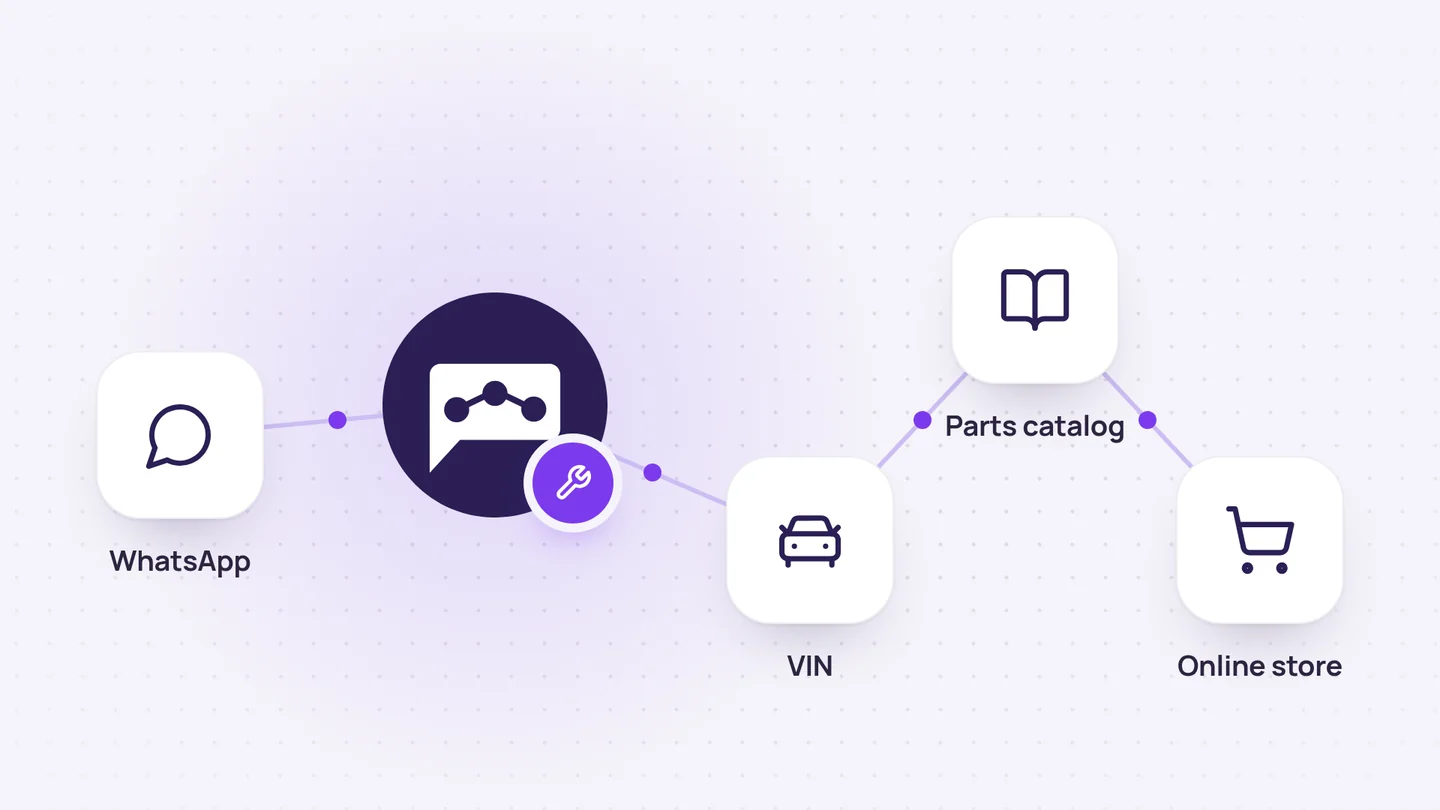
Online store and orders
Auto parts sales on WhatsApp, from VIN to order
It identifies the vehicle from its VIN, finds the original part, checks the price and stock, and adds the order directly to the customer's account.
7 min read
Chetty Sites
Company vibe coding
It turns a simple request into an internal website, calculator, or dashboard and makes it available behind a login.
4 min read
Company knowledge
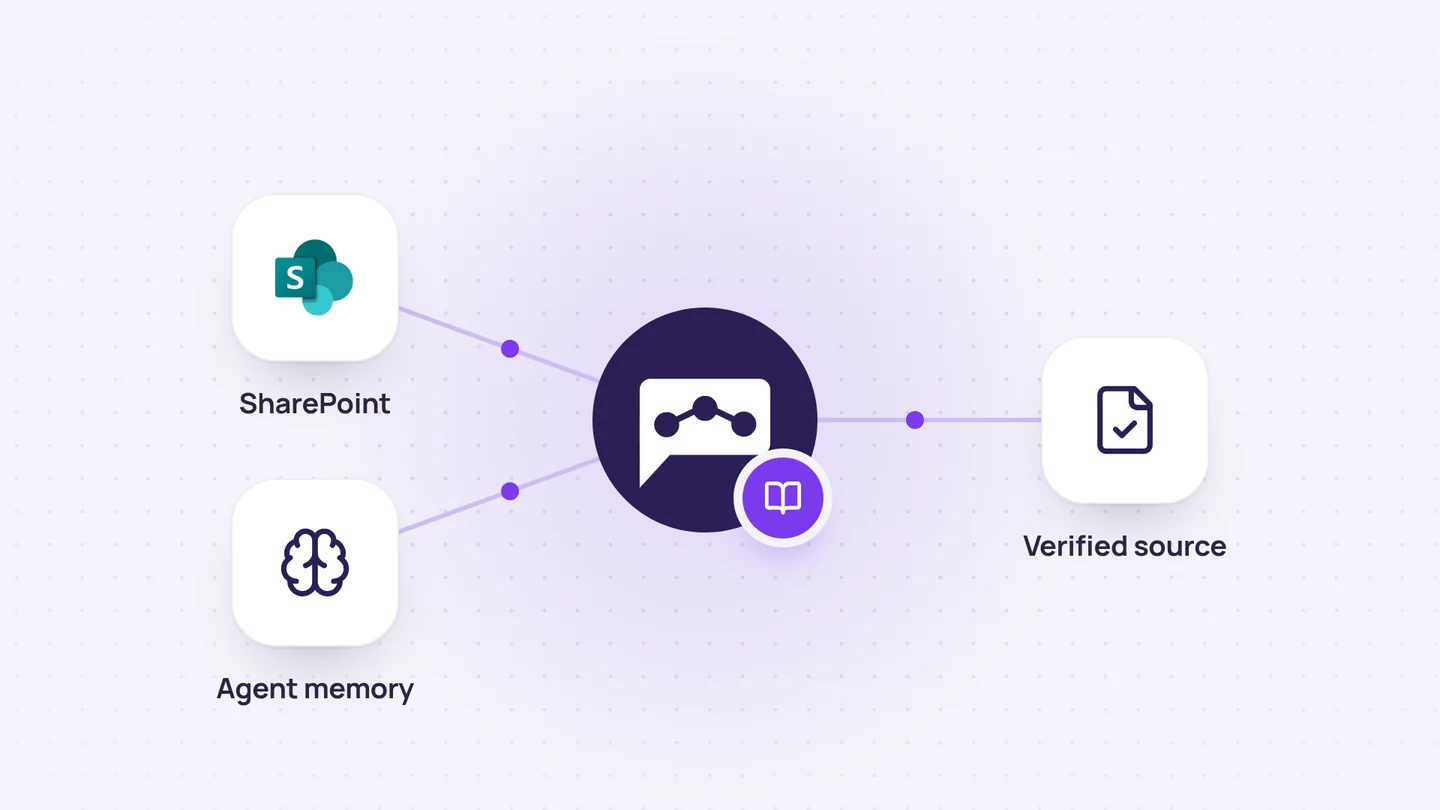
Company knowledge base
It combines up-to-date documentation with the agent’s memory to explain both the rules and the reasons behind decisions.
4 min read